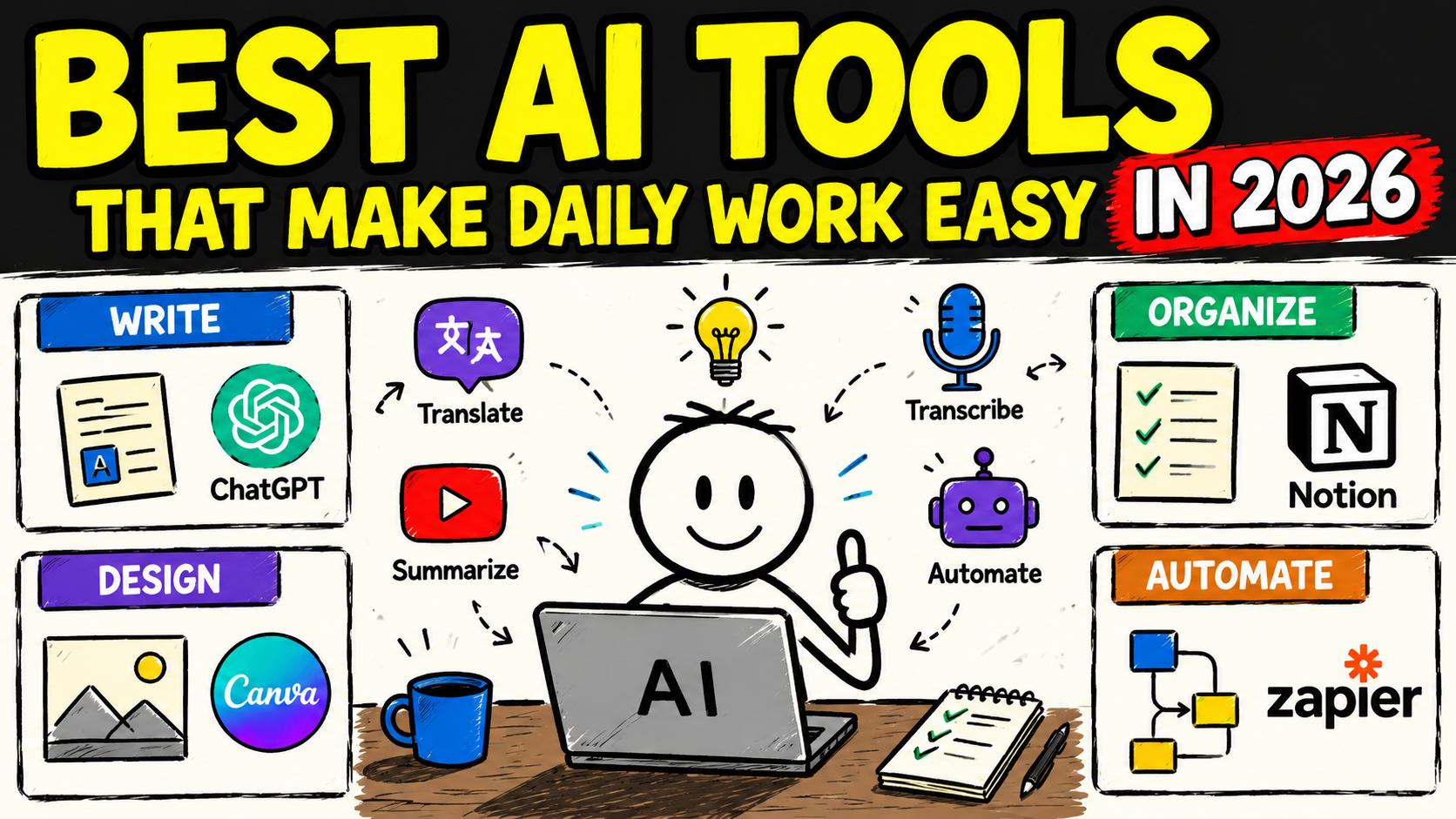
A few years ago, AI tools felt experimental — fun to try, but not something you’d actually build your workday around. That has changed completely. In 2026, AI tools are no longer a novelty; they’re embedded directly into calendars, inboxes, documents, and project boards, quietly handling the repetitive parts of work so people can focus on decisions, creativity, and communication.
The challenge now isn’t finding an AI tool — it’s finding the right one for a specific type of work. This guide breaks down the best AI tools that make daily work easier in 2026, organized by the actual problems they solve: meetings, research, writing, scheduling, automation, and presentations.
Why AI Tools Matter More Than Ever in 2026
Knowledge workers today juggle more tools, more messages, and more meetings than ever before. The tools that have earned a permanent place in daily workflows share a few common traits:
- They have a low learning curve — useful within days, not weeks.
- They work inside existing tools (like your inbox, calendar, or documents) instead of forcing you to switch platforms.
- They save measurable time on a specific, recurring task rather than promising to “do everything.”
With that in mind, here are the categories and tools making the biggest difference in daily work this year.
1. AI Tools for Meetings and Notes
Meetings remain one of the biggest time drains in any job — not just attending them, but writing notes, chasing action items, and remembering what was actually decided.
Fireflies.ai is widely used for this exact problem. It joins calls automatically, transcribes the conversation, and organizes it into searchable notes and action items, removing the need for anyone to manually take minutes.
Read AI goes a step further by analyzing meeting engagement and even offering personalized speaking feedback, such as flagging when someone talks too fast for clear comprehension.
Granola and Avoma serve a similar purpose, turning raw meeting audio into structured summaries that can be shared instantly with anyone who missed the call.
Best for: Teams tired of manually writing meeting notes or hunting for “who was supposed to do what” after a call.
2. AI Tools for Research and Information Gathering
Instead of opening ten browser tabs to answer one question, AI research tools now pull together an answer directly, often with sources attached.
Perplexity has become a go-to option for this, delivering answers backed by cited sources rather than a single unverifiable response, which makes it easier to double-check information before using it in real work.
This kind of tool is especially useful for quickly understanding an unfamiliar topic before a meeting, comparing options during a purchasing decision, or fact-checking a claim before it goes into a report.
Best for: Anyone who regularly needs quick, sourced answers instead of digging through multiple websites.
3. AI Tools for Writing and Communication
Writing remains one of the most common daily tasks — emails, reports, documentation, and proposals. AI writing assistants can draft, refine, and adjust tone almost instantly.
Claude and similar AI assistants are widely used for drafting emails, summarizing long documents, rewriting unclear paragraphs, and adjusting tone for different audiences — from a casual internal update to a formal client email.
Notion and Writer integrate AI directly into the note-taking and documentation process, helping teams turn rough notes into polished, structured documents without switching apps.
Best for: Professionals who write regularly and want a faster first draft without losing their own voice in the final version.
4. AI Tools for Scheduling and Time Management
Calendar chaos — back-to-back meetings, no focus time, constant rescheduling — is one of the most common complaints among knowledge workers. AI scheduling tools aim to fix this automatically.
Motion builds a daily schedule by combining your calendar, tasks, and priorities, automatically adjusting your day as new items come in.
Clockwise works well for teams with shared calendars, using AI to protect focus time and find the best possible meeting slots across everyone’s schedule instead of relying on manual back-and-forth.
Best for: People whose calendars are constantly overloaded and need an assistant that actively manages time, not just tracks it.
5. AI Tools for Automation and Workflow Connections
A large part of daily work is repetitive: moving information between apps, sending follow-up notifications, or updating spreadsheets manually.
Zapier remains one of the most widely used platforms for this, connecting different apps through automated workflows. Its AI features now allow users to describe an automation in plain language instead of manually configuring every step, making it accessible even for people with no technical background.
A simple example: automatically creating a task in a project management tool whenever a specific type of email arrives, without anyone touching the process manually.
Best for: Small business owners, solo professionals, or teams looking to eliminate manual, repetitive admin work.
6. AI Tools for Presentations and Visual Content
Creating a professional-looking presentation used to require either strong design skills or a lot of time. AI tools have significantly shortened that process.
Gamma and Canva now let users turn a rough outline or bullet-point list into a formatted, visually consistent presentation within minutes, complete with layout suggestions and design elements handled automatically.
This is particularly useful for professionals who need to present ideas often — client pitches, internal updates, or project proposals — but don’t have time to manually design every slide.
Best for: Anyone who needs to look polished and professional without hiring a designer for every deck.
7. All-in-One AI Tools Built Into Everyday Software
Rather than switching to a separate AI app, many professionals now rely on AI features built directly into the tools they already use daily.
Microsoft 365 Copilot, for example, works inside Word, Excel, PowerPoint, Outlook, and Teams rather than as a standalone platform, which makes adoption easier since there’s no new interface to learn — the AI simply shows up inside familiar software.
Best for: Teams already using a specific software suite who want AI support without adding another tool to the stack.
How to Choose the Right AI Tool for Your Work
With so many options available, the smartest approach isn’t trying every tool — it’s identifying your biggest time drain first.
- Identify your specific bottleneck. Is it meetings, research, writing, scheduling, or repetitive admin work?
- Pick one tool for that bottleneck rather than adopting five tools at once.
- Check if it works within your existing tools. A tool that fits into your current workflow will get used far more consistently than one that requires switching platforms entirely.
- Start with a free trial or free tier before committing to a paid plan.
- Review the output. AI tools speed up drafts and summaries, but final accuracy checks — especially for numbers, facts, or anything sent externally — should always stay with you.
Common Mistakes When Adopting AI Tools
- Trying to adopt too many tools at once. This usually leads to none of them being used consistently. Start with one clear use case.
- Choosing a tool based on hype rather than fit. The “best” AI tool is the one that solves your specific problem, not necessarily the most talked-about one.
- Skipping the review step. AI-generated content and summaries should be checked, especially before sharing them externally or using them in decision-making.
- Ignoring integration. A powerful tool that doesn’t fit your existing workflow often gets abandoned within weeks.
Frequently Asked Questions
What is the single best AI tool for daily work in 2026? There isn’t one universal answer — it depends on your biggest time drain. Meeting-heavy roles benefit most from tools like Fireflies.ai, while research-heavy roles benefit more from tools like Perplexity.
Are AI productivity tools worth paying for? Many offer useful free tiers, but paid plans are often worth it if the tool saves several hours per week on a task you do regularly. The key is measuring actual time saved, not just convenience.
Do I need technical skills to use these tools? No. Most modern AI tools are designed for plain-language use — you describe what you want, and the tool handles the technical process behind the scenes.
Will AI tools replace human jobs? Most current AI productivity tools are designed to remove repetitive tasks, not replace judgment, strategy, or decision-making. They work best as an assistant, not a replacement.
Final Thoughts
The best AI tools in 2026 aren’t the ones with the most features — they’re the ones that quietly remove friction from a specific part of your day, whether that’s meetings, research, writing, scheduling, or repetitive admin work. Instead of trying to adopt everything at once, identify your biggest daily time drain, pick one tool built for that exact problem, and let it prove its value before adding another one to your workflow.